How it works
See the path from product to people.
Explore each step below. Your product sets the direction; you decide what to do next.
From product to people
A next move, at every step.
Choose a step. See the idea in action.

Make the value obvious.
See what your product page says, what is missing, and what to improve.
How this works
A public page review explains its findings and suggests a fix. No website yet? Start with a product description instead.
Build something extraordinary.
A new way to unlock your team’s full potential.
Who is it for? What does it do? Make those answers visible.

Follow the right question.
Find public conversations that fit your product, with a reason for every match.
How this works
The free preview searches Hacker News, GitHub and Stack Overflow. Paid plans add a daily watch that includes YouTube comments and Dev.to, and a weekly search of the wider public web; coverage varies. A match is a potential conversation, not a verified buyer.
Search the internet
“How do you keep customer feedback from getting lost?”
We’re a small team. Requests are scattered across chats, calls and support tickets.
Small product team. Scattered feedback. A clear need for a shared place to decide what comes next.
Public, indexed pages through web search on paid plans; coverage varies. The free preview searches Hacker News, GitHub and Stack Overflow. No private groups or messages.

Be useful first.
Start with the question. Add your experience. Disclose your connection.
How this works
Each match worth answering gets a reply outline; paid plans draft the strongest ones in your voice. Check the community’s rules. Hacker News and Stack Overflow ask for words you wrote yourself, so there you get talking points, not a reply to paste.
“How do you keep customer feedback from getting lost?”
- 01Answer their question
- 02Offer a practical next step
- 03Be clear about your connection
Start with one shared inbox and tag each request by the problem behind it. Review those themes with your team before adding features to the roadmap. I’m building Gather for small teams doing this, so I’m biased — but you can try the workflow in a simple document first.
Check the facts and community rules, then make it your own.
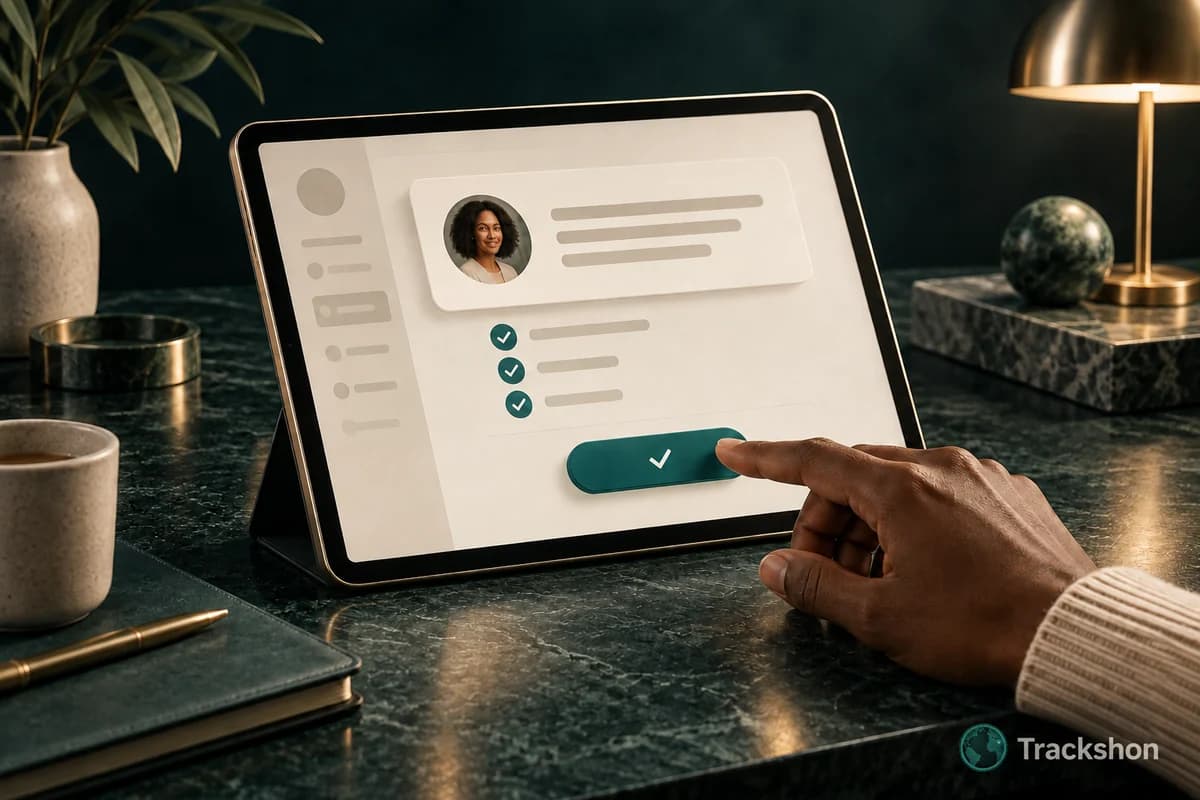
Your name. Your judgement.
Review the facts and the fit, then take the conversation into your own hands.
How this works
The workspace can copy the draft and open the public thread. You decide whether to post from your own account. Trackshon never sends a reply for you.
A human at the last step.
Try the review checklist above.
Example only. This interaction copies and sends nothing.
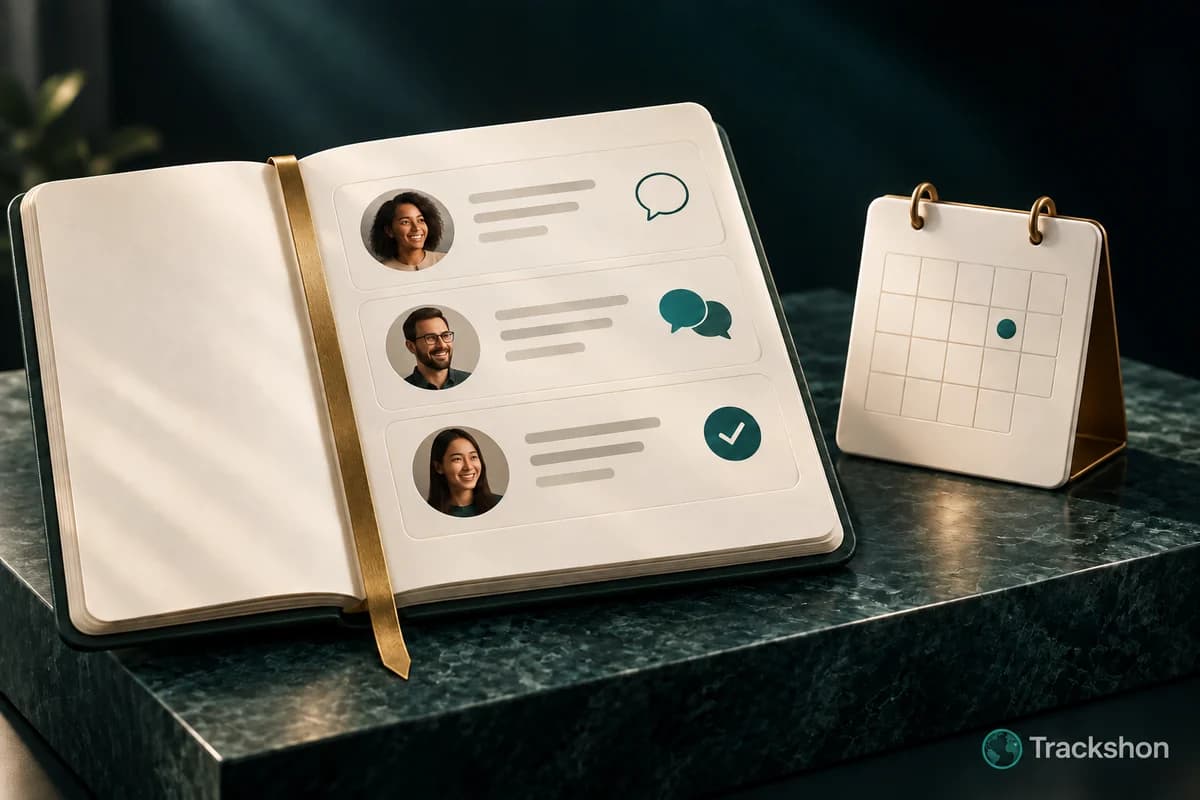
Remember what happened.
Record the outcome. Let confirmed results inform the next search.
How this works
Founder-confirmed activity and recorded outcomes inform source ranking. Approval alone is not a posted reply, and an illustrative outcome is not a promised result.
One conversation. Its recorded history.
You confirm that you posted. Approval alone does not count.
A learning loop, not a promise of replies or revenue.
Interactive example · “Gather” is a fictional product. Copy, conversations and outcomes are illustrative.
What ships today, and what is next.
Everything marked live is usable now; the rest is on the bench, in order.
- ✓Audit for Google and AI assistants: every check with a why and a fix
- ✓Scout across Hacker News, GitHub, Stack Overflow, YouTube comments, Dev.to, and the wider web through search
- ✓A watch on paid plans (scheduled daily) that emails new threads with drafts, no click needed
- ✓People behind Hacker News, GitHub and Stack Overflow threads resolved to the channels they published, with a written reason
- ✓Drafts in your voice on paid plans; reply outlines on the free preview and Free
- ✓Weekly re-audit with deltas, an outcome ledger and a KPI tree
- →Next: Product-specific selling memory
- →Next: Follow-up pipeline
- →Next: Source coverage and delivery health
- →Planned: Connected social inbox
- →Planned: Approved publishing and replies
- →Later: Conversation-to-revenue attribution
- →Later: Measured playbook experiments
- →Exploring: TikTok and X account workflows
- →Exploring: Team and agent workflows
See it on your own product.
A link, or a sentence about what you are building. No account.
Or watch the full loop first